Unlimited free virtual training for the life of the screen
Cloud Storage
Google Drive / OneDrive
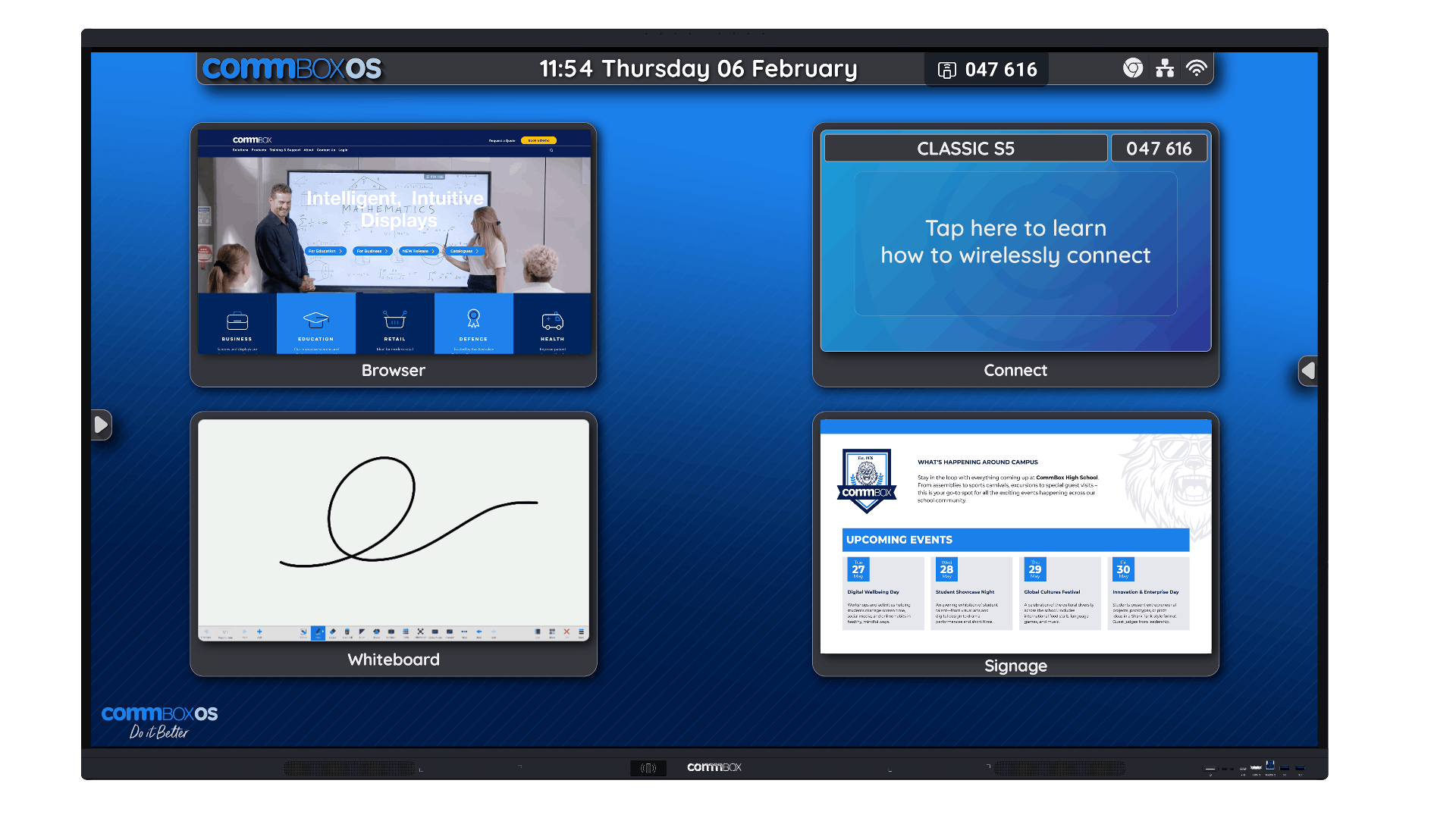
Wireless Casting
CommBox Connect
Remote Management (Over The Air)
CommBox Manage – 7 Year Licence
Wifi
WiFi 6 (removable module)
Proxy Settings
Yes*
OPS
Optional (1x OPS slot)
Stylus
2 x Dual Tip Stylus
USB-C Inputs
2 (1x 65W front, 1x 15W rear)
HDMI Inputs
3 (1 front, 2 rear)
HDMI Outputs
1 (rear)
Bluetooth
5.3
Speakers
2 x 25W
Microphone
Not specified by manufacturer*
NFC Technology
Yes, built-in
CommBox Slot-In-PC
Processor
i5, i7
Touch Interface Options
Having a high-quality touch interface is essential for easy navigation and use of the interactive touch screens. We only recommend the best brands and interactive screens that we believe in.
The two most common touch interface options are Infrared Touch (IR) and Projected Capacitive (PCAP). PCAP uses a conductive grid between a glass protective cover that recognises changes in its electromagnetic field. IR touch uses an embedded overlay of infrared beams from top to bottom and side to side around the screen’s bezel. When the invisible plane provided by the beams is broken by any object, the device registered a touch point.
PCAP
Tech of the Future (more expensive)
CAP uses a conductive grid between a glass protective cover that recognises changes in its electromagnetic field.
IR
Tried and Trusted (trusted staple)
IR touch uses an embedded overlay of infrared beams from top to bottom and side to side around the screen’s bezel.
Software Features
Discover a wide range of software features found on our interactive touch screens, get your office or school equipped for a collaborative, fun and engaging atmosphere.
A few software examples:
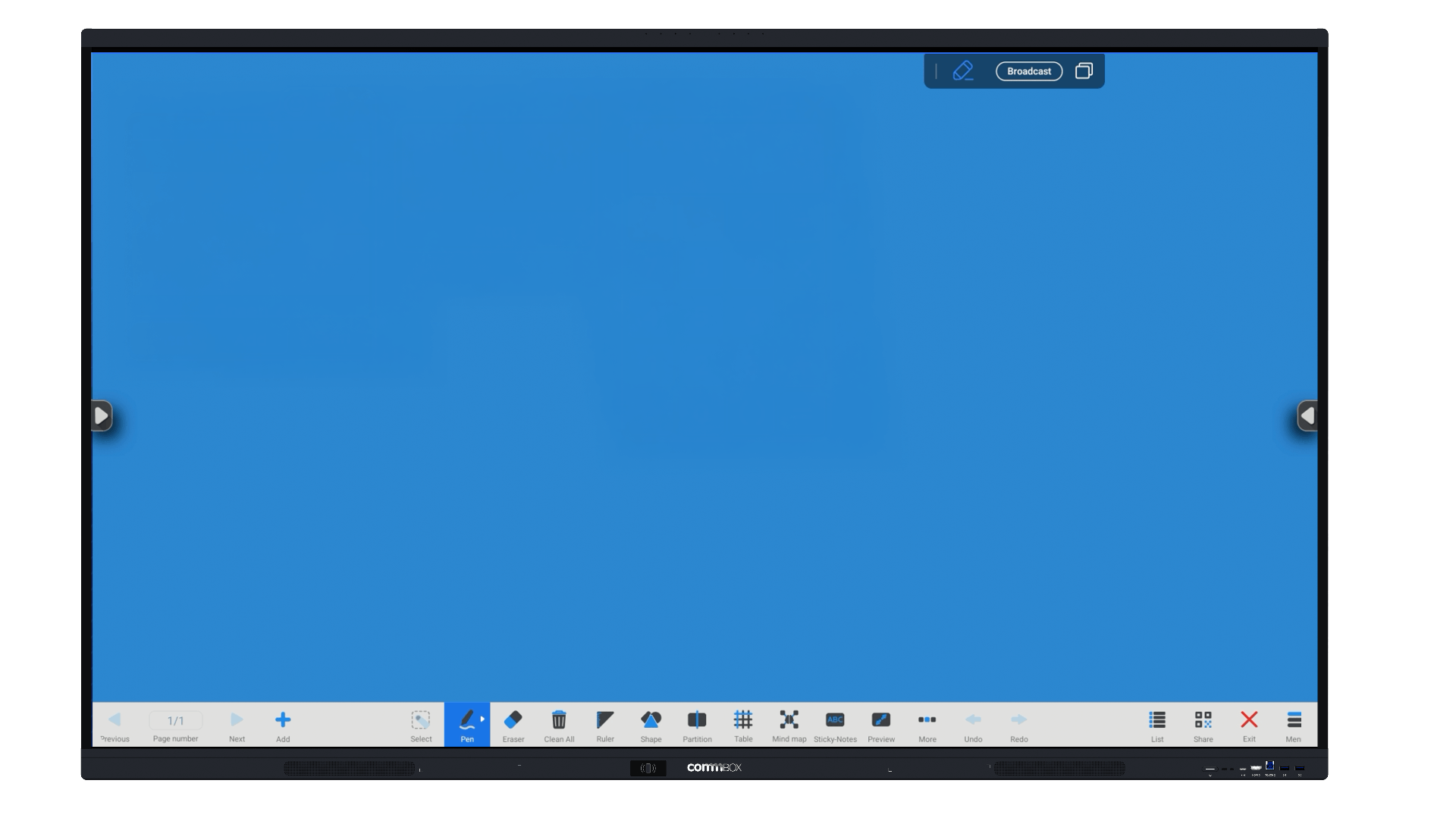
Whiteboard Software
Zoom/Teams Software
Sharing Software
Broadcast Software
Microsoft Suite
Mounting Options
We provide a range of mounting options that are completely dependant on your environment and needs.
Some mounting options can range from:
Free standing
Wall mounted
Wireless Device Connectivity
Increase the ease of sharing information and increase productivity with our wireless device connectivity four our interactive touch screens.
You can connect to:
Mobile Phones
Tablets
Laptops
Desktops
Training Options
Our team are specialists in interactive touch screens, and we love knowing that when we provide you with modern interactive touch screens, that you have the highest level of training.
We can provide comprehensive training to ensure:
Your meetings run smoothly
Teaching your students is a breeze
You will feel confident with using it from day 1
Our Brands
Bulk Enquiry
Looking to buy more than one interactive touch screen for your work or school? Get in touch and our team will organise a bulk quote.
"*" indicates required fields
General Enquiry
Have questions about this product in general? Please feel free to leave a message below and one of our interactive screen specialists will be in touch.